Manual Mail Server Settings
Use these settings when an email app asks you to enter server details manually. Replace username@domain.com with your full email address. Use the email account’s password, not the password for your hosting account.
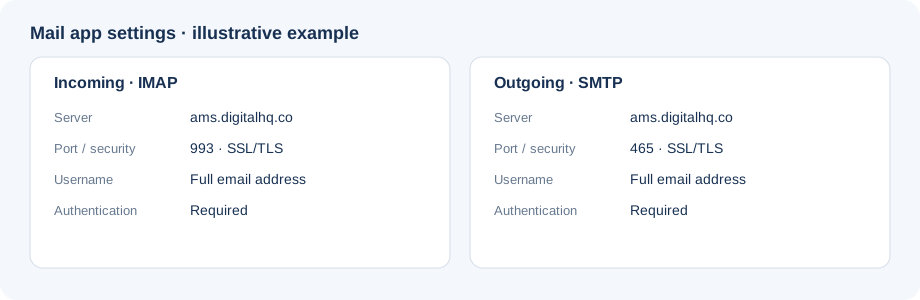
Illustration only; mail app screens vary by platform.
IMAP settings - Incoming
IMAP synchronizes messages and folders across your devices.
| Setting | Value |
|---|---|
| Account type | IMAP |
| Username | username@domain.com |
| Password | Email account password |
| Incoming server | ams.digitalhq.co |
| Incoming port | 993 |
| Incoming security | SSL/TLS |
SMTP settings - Outgoing
Use these outgoing settings with IMAP.
| Setting | Value |
|---|---|
| Outgoing server (SMTP) | ams.digitalhq.co |
| Outgoing port | 465 |
| Outgoing security | SSL/TLS |
| Username | username@domain.com |
| Password | Email account password |
| SMTP authentication | Required |
IMAP and SMTP require authentication. Enable authentication for both incoming and outgoing mail, and use the full email address as the username.